Create your own coloring page with AI
Type what you want to color, for example "a cozy tea house in autumn with a cat in the window". JoyInk draws an original black-and-white coloring page that you can print or save.
✨ Try it nowAlso works in the JoyInk app for iPhone and Android. One free AI creation every 14 days.
How the coloring page generator works
- 1
Describe your idea
Write in your own words what should be on the page: a scene, an animal, a flower wreath or a mandala.
- 2
Pick a style and detail level
Choose a style and decide if it should be relaxed, medium or full of detail. With JoyInk Pro or credits you get two variants to choose from.
- 3
Print, color and share
Print your page or save it on your phone. Let JoyInk pick colors from your own markers and share the result in the community.


Adjust: add a fox
Pick a style that suits you
Each style gives your AI coloring page a different mood. Try the same description in several styles.
Cozy
Warm, comforting scenes with soft shapes.
Botanical
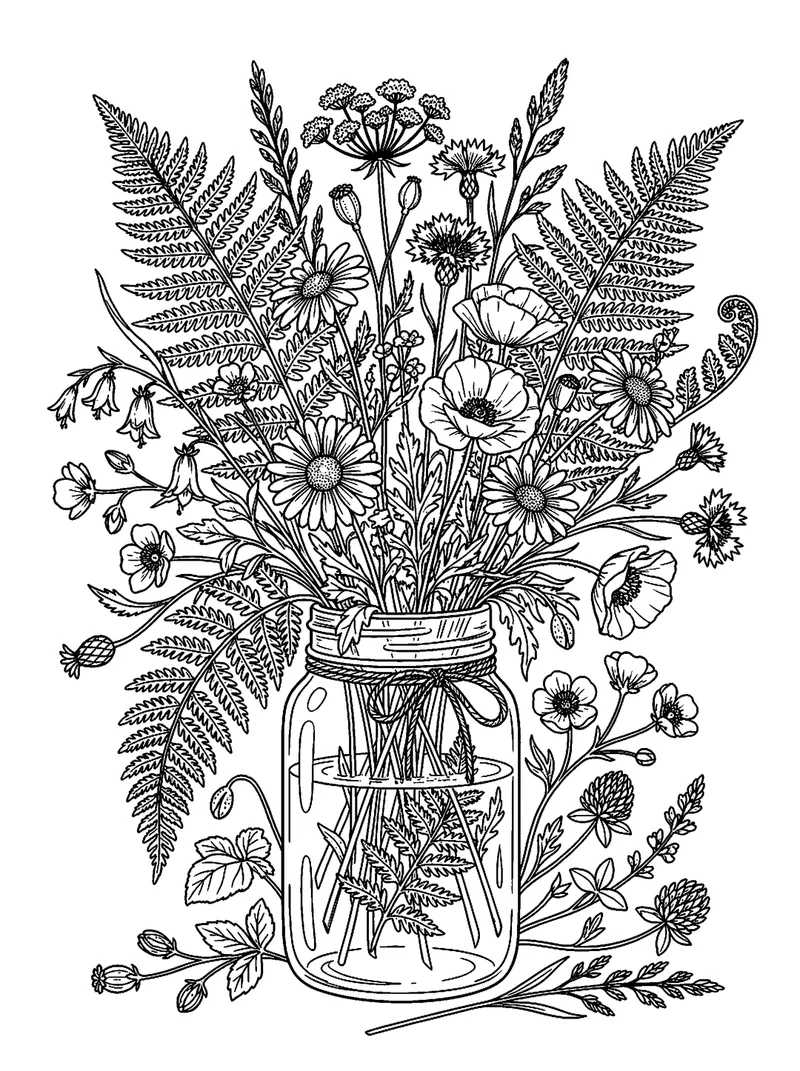
Leaves, flowers and plants with fine lines.
Mandala
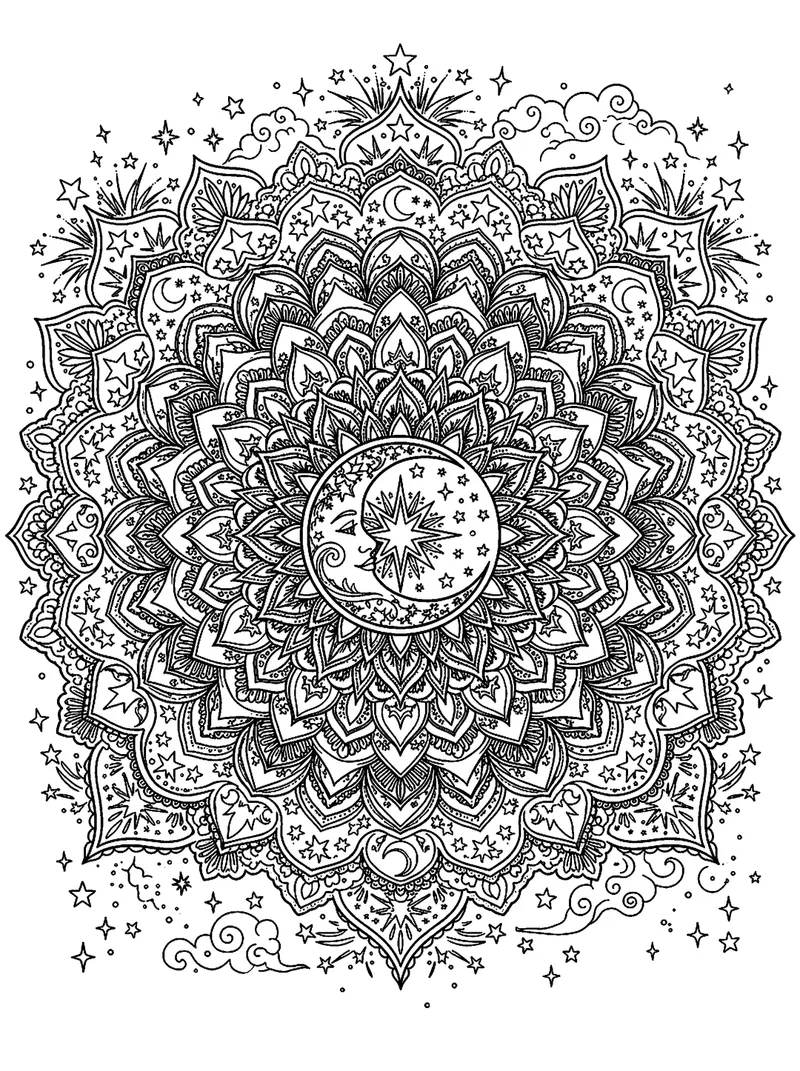
Symmetrical patterns to get lost in.
Kawaii
Cute, round characters with big eyes.
Bold & easy
Thick lines and big areas, easy to color.


Three levels of detail
- Relaxed
Few, large areas. Nice for a quiet moment or for kids.
- Medium
A good balance between detail and calm.
- Lots of detail
Fine patterns and small areas for when you love long coloring sessions.
Color in with your own markers
This is what sets it apart from a regular coloring page generator: JoyInk knows your marker collection. The AI palette suggests colors from the markers you actually own, with brand and color code.


- Works with alcohol markers, water-based markers, brush pens and more.
- See which marker to pick for each part of the drawing.
- Haven't added many markers yet? Add them to your inventory in the app first.
Ideas to type
Not sure where to start? Try one of these descriptions or make up your own.
Autumn
- A cozy tea house in autumn with a cat in the window
- A hedgehog among fallen leaves and mushrooms
- A pumpkin patch with a scarecrow
Animals
- An owl on a branch under the stars
- A fox sleeping in a flower field
- A butterfly with a pattern on its wings
Mandala
- A mandala of flowers and leaves
- A sun mandala with wavy lines
- A lotus-shaped mandala
Flowers
- A bouquet of wildflowers in a jug
- A wreath of peonies and eucalyptus
- A garden path with rose arches
Christmas
- A snowy cottage with string lights
- A Christmas tree with ornaments and gifts
- A reindeer in a winter forest
For adults
- A library full of plants and reading nooks
- A detailed mermaid in a coral reef
- A cityscape with tiny shops
For kids
- A happy dragon with big wings
- A farm with cows and chickens
- An elephant dancing in the rain
Coloring page generator FAQ
Is creating a coloring page with JoyInk free?
Yes, you get one free AI creation every 14 days, on the website and in the app: a coloring page or a color palette, your choice. After that you can continue with JoyInk Pro or AI credits.
How often can I make a free coloring page?
Every 14 days you get one free AI creation, which you can use for a coloring page or a color palette. If you want to make more in between, you can use JoyInk Pro or AI credits, and then you also get two variants per coloring page to choose from.
Can I print my coloring page?
Yes. On the website you can download the page as a PNG or print it straight to A4. In the app you can print from the app, or save it to your phone and print it later.
Which markers can I color with?
Any kind: alcohol markers, water-based markers, brush pens and more. For color suggestions JoyInk uses the markers you added to your inventory.
Is my coloring page original? Does it use existing characters?
JoyInk draws a new, original coloring page based on your description. So don't ask for existing characters or brands; describe what you want to see yourself.
Does it work on Android and iPhone?
Yes. You can create coloring pages on the website, on any phone, tablet or computer, and in the JoyInk app for iPhone and Android. With the same account you see your pages everywhere.
Do I need to add markers first?
No, you can make a coloring page without any markers. The personal color picks work best once you have added your markers to the app.
Start your own coloring page
Make your first coloring page for free on the website, or download the JoyInk app.
✨ Try it now